



This best vpn guide starts with one honest question. Do you need a VPN at all? Many people buy one because they heard it keeps them safe online. Part of that is true. Part of it is marketing. This guide shows what a VPN does and who needs one. It also shows which services earn your money in 2027.
A VPN is short for virtual private network. It sends your internet traffic through a server in another place. It also wraps that traffic in encryption. This best vpn guide uses plain words and simple checks. You can pick a service with confidence and skip the hype.
What a VPN Does and What It Does Not

A VPN hides your IP address from the sites you visit. Sites see the server address instead of your home address. Encryption also stops people on your local network from reading your traffic. Your internet provider cannot read it either. Neither can strangers on the same public Wi-Fi. The same shield blocks anyone who tries to grab data while it moves. Every pick in this best vpn guide builds on these basics.
What a VPN Protects You From
A VPN guards your data on networks you do not control. Think of coffee shop Wi-Fi or a hotel network. Other people on that network cannot snoop on your traffic. A VPN also stops your internet provider from logging the sites you visit. Many providers sell that browsing data to advertisers. A VPN ends that trade. It also opens sites that your country blocks. The server makes it look like you browse from another country.
What a VPN Does Not Do
A VPN does not make you anonymous. Your VPN provider can still see your traffic. That is why your choice of provider matters so much. A VPN does not stop malware or phishing attacks. It does not fix weak passwords. It does not stop sites from tracking you with cookies or browser fingerprinting. It also cannot guard data you stored on a site after you log in. Treat a VPN as one layer of privacy only. Our cybersecurity basics guide covers the other layers that guard you online. Keep that line in mind as you read this best vpn guide.
Who Needs a VPN in 2027
Not everyone needs a VPN. Some people gain real protection from one. Others gain very little. This part of the best vpn guide sorts out who should pay and who can skip it.
People Who Use Public Wi-Fi Often
Do you work from cafes, airports, libraries or hotels? Then a VPN earns its cost. Public Wi-Fi carries real risk. Attacks on these networks are not common but they do happen. A VPN removes most of that risk for you. Home broadband and mobile data carry far less risk. A VPN matters less if you only use those. This best vpn guide rates public Wi-Fi users as the clearest case for a VPN.
People Who Stream Content From Other Countries
Streaming libraries change from country to country. Netflix US holds shows that Netflix UK does not. BBC iPlayer works only in the UK. A VPN fixes this gap. You connect through a server in another country and watch that country library. Many people pay for a VPN for this reason alone. Pick a provider with fast servers in the countries you need. A later part of this best vpn guide names the strongest streaming picks.
People Who Want to Stop ISP Tracking
Your internet provider sees every site you visit. In many countries the law lets providers store that history and sell it. A VPN hides your destination traffic from your provider. Your provider still sees that you use a VPN. It just cannot see where you go after that. That alone gives many people a strong reason to sign up. This best vpn guide hears this concern from readers more than any other.
Remote Workers and Business Users
Many firms ask staff to use a VPN for work systems. The company VPN builds a secure tunnel into office systems. Staff open files and tools through that tunnel when they work away from the office. This setup guards company data. It does not guard your private browsing at home. Use the company VPN for work. Use a personal VPN for your own browsing. This best vpn guide keeps the two tools apart on purpose.
The Best VPN Guide to Choosing a Provider
VPN services differ a lot. Some run fast and guard your privacy well. Some run slow and log your data. Some free services sell your data to pay their bills. This best vpn guide judges each service on the same checks. The checks below help you sort the good from the bad.
A No-Logs Policy You Can Verify
A VPN that logs your activity defeats the whole point. Look for a strict no-logs policy. Then check who verified that policy. A trusted security firm should audit the service and publish the report. Marketing claims mean nothing on their own. The audit report carries the real weight. Treat any no-logs claim without an audit as unproven.
Server Locations and Speed
More server locations give you more choice. You can reach content from more regions with ease. Speed matters as well. A VPN always adds some delay to your line. Good providers keep that delay small. Look for providers that publish speed test results from outside testers. Speed decides your pick for streaming and gaming. It matters less for plain browsing. Hold both points in mind as this best vpn guide moves to the top picks.
Providers Worth Your Money
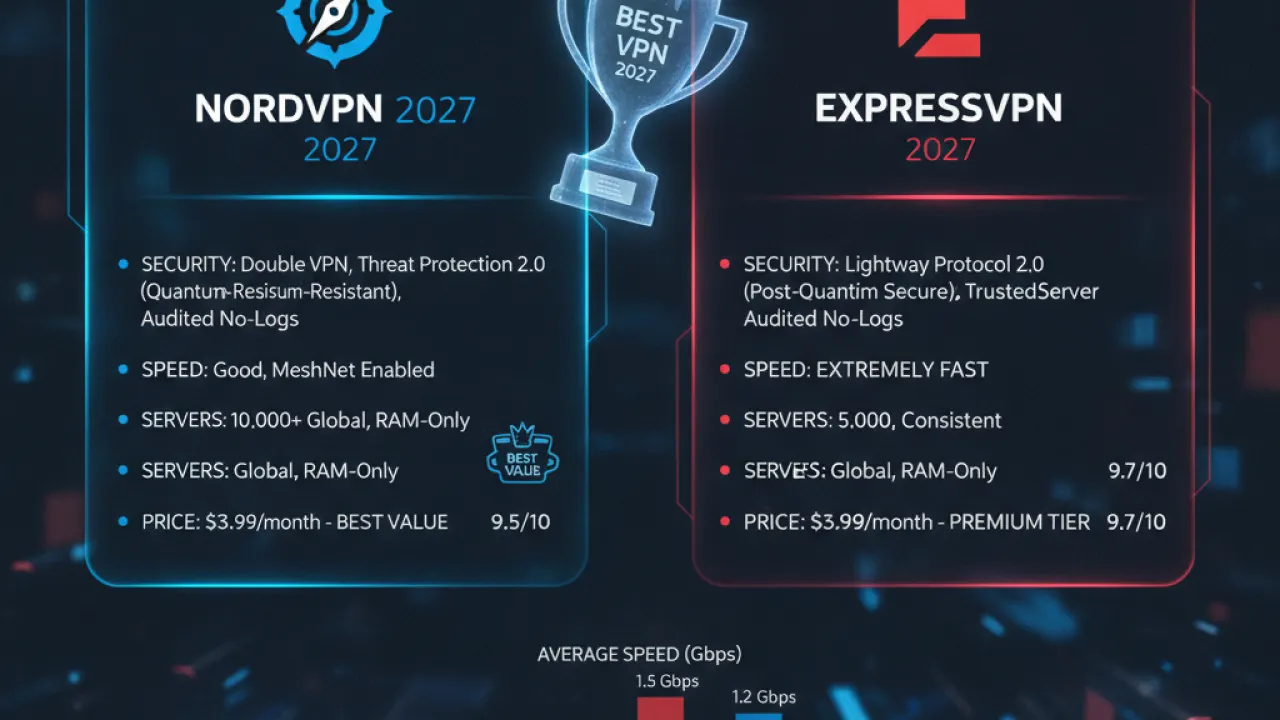
ExpressVPN scores well on speed. It runs a large server network. Independent audits back its no-logs policy. It costs more than rivals but it performs with steady results. NordVPN packs strong security features. Its NordLynx protocol posts fast speeds. Its multi-year plans offer good value. Independent audits back its claims too. Mullvad suits pure privacy best. You can pay in cash. It keeps no logs and runs a plain app with no extras. It lacks the streaming focus of ExpressVPN and NordVPN. For privacy alone it stands in a class of its own. Each paid pick in this best vpn guide passed an independent audit.
Free VPNs: Are They Worth It?
Most free VPNs are not worth your trust. Servers and apps cost money to run. A free service still has to pay those bills somehow. Many pay them with your data. They log your browsing history and sell it to third parties. That trade defeats the reason you got a VPN in the first place.
A few free tiers break that pattern. Reputable paid providers run these tiers. The Proton VPN free tier has no data caps. It holds a verified no-logs policy too. It limits you to three server locations. The Windscribe free tier gives you 10GB each month. A free tier works for light or rare use. Regular use calls for a paid plan. This best vpn guide backs paid plans for daily use.
Setting Up Your VPN Step by Step

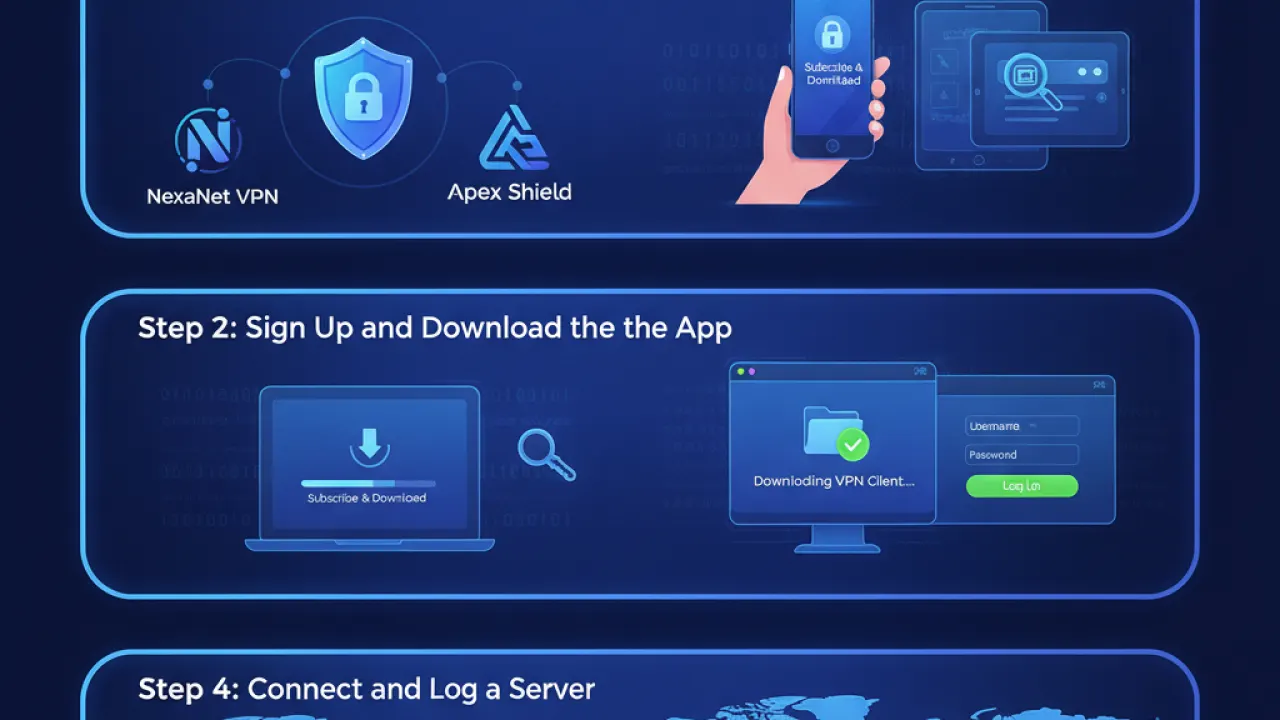
Setup takes only a few minutes. You pick a provider first. This best vpn guide keeps setup to four steps. Follow them one by one and you end with a working connection.
- Download and install the app. Every provider in this best vpn guide offers apps for Windows, Mac, iOS and Android. Get the app from the official site or the official app store. Skip third-party download sites. Then sign in with your account details.
- Choose your server location. Connect to the nearest server in your country for daily privacy. That choice gives you the best speed while it hides your address. Connect to a server in another country for streaming. That choice opens that country library for you.
- Turn on the kill switch. A kill switch cuts your connection if the VPN drops. Your real address stays hidden during the drop. Most quality apps include this feature. Turn it on before you browse. It runs in the background and stays silent until the VPN drops. Then it acts and guards you from exposure.
- Test the connection. Open ipleak.net after you connect. The site shows the address that other sites see. You should see the VPN server address and not your home address. The same site checks for DNS leaks. A DNS leak can expose your history while the VPN runs. Turn on DNS leak protection in the app settings if you spot a leak.
Best VPN Guide Picks by Use Case
People buy VPNs for different jobs. The right pick depends on your main job. This best vpn guide groups the top picks by use case below.
Best Pick for Streaming
ExpressVPN leads for streaming. It opens Netflix US and BBC iPlayer with steady results. It also opens Disney Plus and Hulu for you. Its servers run fast enough for 4K video with no buffering. NordVPN takes a close second place here. It costs less on a longer plan. Outside reviewers test both services against big streaming platforms on a regular cycle. That record puts ExpressVPN at the top of this best vpn guide for streaming.
Best Pick for Privacy
Mullvad leads for privacy. It accepts cash and crypto payments. It gives you an account number instead of asking for your email. Its strict no-logs policy passed independent checks with ease. Setup takes a bit more effort than rivals need. That small effort buys you the strongest privacy in this best vpn guide.
Best Pick for Speed
NordVPN leads for speed. Its NordLynx protocol tops independent speed tests again and again. NordLynx builds on WireGuard. WireGuard is a modern protocol that runs faster and lighter than older options like OpenVPN. Pick NordVPN for gaming. Pick it for large downloads and video calls too. No rival in this best vpn guide matches it for raw speed.
Best Pick on a Budget
Surfshark leads on price. It costs far less than ExpressVPN or NordVPN. The gap grows wider on two-year plans. One plan covers every device you own with no device limit. Speed and security stay solid across its apps. An independent audit backs the service too. Surfshark gives you a dependable VPN without premium prices. It earns the budget spot in this best vpn guide.
Common VPN Questions
Readers ask the same few questions about VPNs again and again. Here are short and honest answers from this best vpn guide.
Will a VPN Slow Down My Internet?
Yes. A VPN adds a small delay. Encryption takes time and your traffic takes a longer path. A quality provider slows your connection by about 10 to 20 percent. You will not notice that loss on a fast broadband line during browsing or streaming. You may notice it on a slow line. The WireGuard protocol cuts this loss better than older protocols.
Is Using a VPN Legal?
Yes in most countries. A VPN is a legal tool that guards your privacy. A few states restrict or ban VPN use. Russia, China and Iran sit on that list. Check the current rules before you travel to such places. One more point matters here. A VPN can break a platform rule even where the VPN is legal. Streaming a library from another country can breach the platform terms.
Should I Leave My VPN On All the Time?
Leave it on for the strongest privacy. Turn it off when it causes trouble. An always-on VPN can slow some connections down. It can also clash with online banking. Some banks flag VPN addresses as a risk. Many readers keep the VPN on for daily browsing. They switch it off when speed or access matters more.
The Bottom Line
The VPN market keeps changing in 2027. New decentralised networks now sit beside big commercial providers. Most people still do best with an established provider. Pick one with a strong privacy record and a clear no-logs policy. A quality paid VPN gives you real security for a fair price. That trade makes it one of the smartest safety buys of the year. This best vpn guide sticks with names that prove their claims.
Your best pick depends on your main need. Choose privacy if you guard data above all else. Choose streaming access if you watch shows from other regions. Choose raw speed if you game or download large files. This best vpn guide gives you a clear pick for each need. Are you already using a VPN in 2027? Tell us which provider works best for you in the comments.
Frequently Asked Questions
Will a VPN Slow Down My Internet?
Yes, by some amount. Encryption and routing through an additional server adds latency. With a quality provider, this is usually 10 to 20% slower than your raw connection. On a fast broadband connection you will not notice it for browsing or streaming. On a slow connection, it can be more noticeable. The WireGuard protocol minimises this impact better than older protocols.
Is Using a VPN Legal?
In most countries, yes. VPNs are legal tools for protecting your privacy. Some countries with authoritarian governments restrict or ban VPN use, including Russia, China and Iran. If you are travelling to these countries, research the current legal status before you go. Using a VPN to access content that violates the platform’s terms of service (like accessing a streaming library you are not authorised to use) may breach those terms even if the VPN use itself is legal.
Should I Leave My VPN On All the Time?
For maximum privacy, yes. For convenience, it depends. Always-on VPN use can slow some connections and occasionally cause issues with online banking or other security-conscious services that detect VPN IP addresses. Many people leave the best vpn 2027 on for general browsing and turn it off when speed or compatibility is a priority.