


The fastest way to improve mobile performance is to clear app cache, reduce background activity, and update your operating system. This guide covers 8 tested steps that work on both Android and iPhone. You do not need to spend money or be technical. Follow the steps below and your phone will feel noticeably quicker within the hour.
Why Does Mobile Performance Drop Over Time?
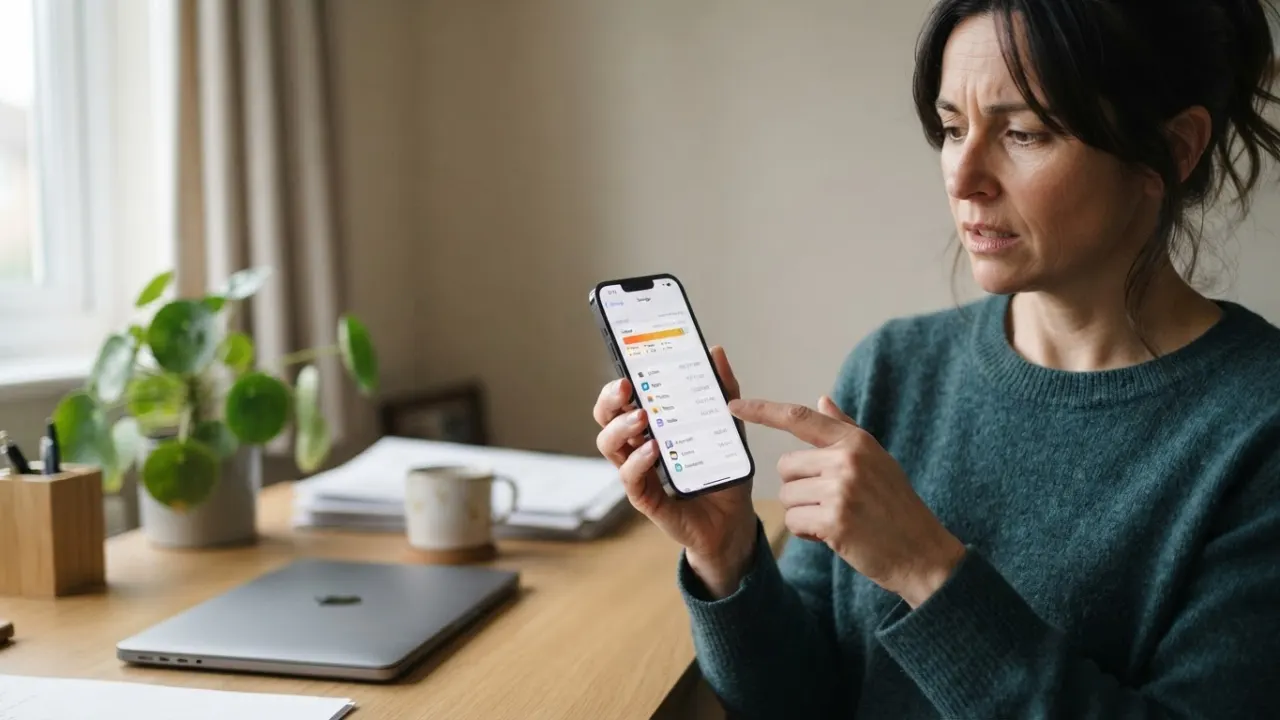
You do not need any technical skills to improve mobile performance at home. Phones slow down for a handful of clear reasons. Storage fills up as photos, videos, and app data pile up over months and years. Apps accumulate cached data, sometimes growing to gigabytes without you realising it. Operating system updates built for newer hardware can strain older processors and RAM. Background processes run constantly, pulling resources away from the apps you are actually using.
One key step to improve mobile performance is managing app bloat, which is the other main culprit. Apps like Facebook, Instagram, and Google Chrome grow larger with every update. The version you downloaded two years ago was probably half the size it is today. Each update adds new features, and each new feature costs processing power and memory. Keeping your phone fast over the long term means actively managing what is running on your device.
Google’s official Android help page explains how to free storage by removing downloaded files, clearing app data and uninstalling apps. Those steps can improve mobile performance when a phone has little free space.
How to Speed Up an Android Phone

1. Clear App Cache and Data
Clearing cached data is one of the fastest ways to improve mobile performance on Android. Every app stores temporary files called cache. These files are meant to make apps load faster, but over time they do the opposite. A social media app might store hundreds of megabytes of old thumbnails and posts you will never look at again. Go to Settings, then Apps, and select any slow app. Tap Storage, then Clear Cache. Do this for your browser, social media apps, and any streaming service. Most people notice the improvement straight away. Repeat monthly to keep things running well.
2. Disable or Uninstall Unused Apps
Disabling unused apps helps improve mobile performance because every installed app runs background services. Even apps you never open drain battery and slow things down because they check for updates, sync data, and push notifications. Go through your full app list honestly. If you have not opened an app in 30 days, delete it. If it came pre-installed and cannot be deleted, tap Disable in Settings to stop it running in the background. Most people have 60 to 100 apps installed but actively use around 10 of them.
3. Reduce Animation Speed in Developer Options
Go to Settings, About Phone, and tap Build Number seven times. This activates Developer Options, which gives you control over how Android handles animations. Inside, find Window Animation Scale, Transition Animation Scale, and Animator Duration Scale. Set all three to 0.5x. Your phone will feel noticeably faster because all animations play twice as quickly. This single change is one of the easiest ways to improve mobile performance without touching any apps or files.
4. Keep Phone Storage Under 80 Percent Full
Keeping storage under 80 percent is essential to improve mobile performance because Android needs free space to write temporary files, create system caches, and manage app updates. Once your storage goes above 80 percent, performance drops noticeably. Check your storage in Settings, Storage. Delete backed-up photos, move videos to cloud storage, and remove apps you no longer use. If you are consistently running near full, a microSD card or a small cloud storage plan is a cheap fix that pays off immediately in day-to-day speed.
How to Improve iPhone Mobile Performance

5. Turn Off Background App Refresh
Turning off Background App Refresh is a simple way to improve mobile performance on any iPhone. Background App Refresh lets apps update their content even when you are not using them. For a weather app or a news app, this makes sense. For most other apps, it just drains battery and slows the system down. Go to Settings, General, Background App Refresh, and turn it off for any app that does not genuinely need live data. Social media apps, games, shopping apps, and utilities do not need this. Turning it off for most apps can extend your battery life by hours and free up processing cycles throughout the day.
6. Reduce Motion and Transparency
Reducing animations is a quick way to improve mobile performance on older iPhones. Go to Settings, Accessibility, Motion, and turn on Reduce Motion. The parallax effect and animation transitions use the GPU constantly. Turning this off makes the interface respond faster, especially on older iPhones. Then go to Settings, Accessibility, Display and Text Size, and turn on Reduce Transparency. Both changes together can make an older iPhone feel a full generation newer. This is the most reliable approach for older iPhones without deleting any data.
Mobile Performance Tips That Work on Any Phone
7. Switch to a Faster DNS Server
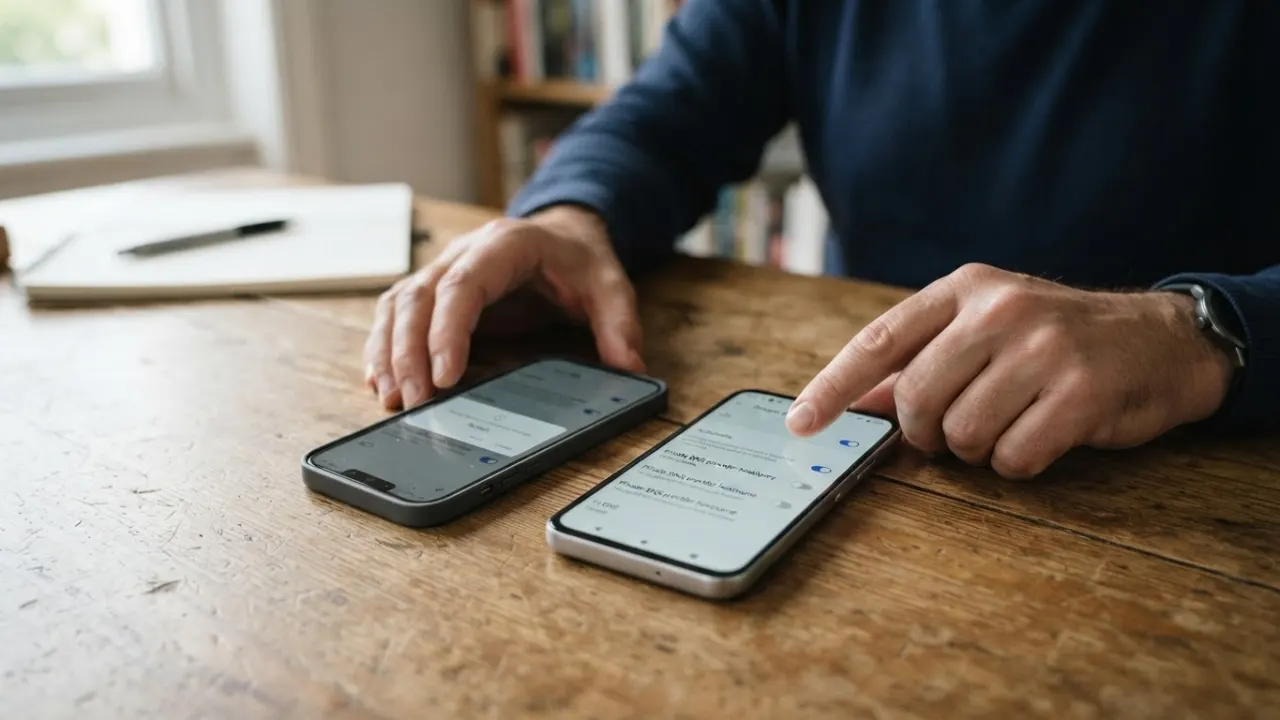
Your phone uses a DNS server to turn website addresses into IP addresses every time you open an app or visit a page. Your carrier DNS is often congested and slow. Switching to Cloudflare DNS (1.1.1.1) or Google DNS (8.8.8.8) can make web pages and internet-based apps load faster. Change this in your WiFi settings on both Android and iOS. On Android you can also set a Private DNS in Settings, Network and Internet. This free change speeds up every app that relies on internet connections and is often overlooked.
8. Restart Your Phone Weekly
Restarting your phone once a week is a no-cost habit that helps improve mobile performance instantly. Restarting clears RAM, kills all background processes, and gives the system a fresh start. If you have not restarted in more than a week, the RAM is probably full of processes from apps you opened days ago. Restarting takes two minutes and makes a real difference to everyday speed. Make it a weekly habit, ideally overnight so it does not interrupt your day. It costs nothing and requires no technical knowledge to do.
How to Measure Mobile Performance Improvements

To track how you improve mobile performance, take a baseline reading before making changes. On Android, download CPU-Z from the Play Store. It shows real-time processor load, RAM usage, and battery drain. On iPhone, open Safari and run MotionMark to test browser rendering speed. Note the numbers before you start.
After applying all the tips in this guide, run the same tests again. You will see the difference in numbers, not just in how the phone feels. For internet speed, use fast.com or speedtest.net. If web browsing was slow, changing your DNS and restarting your router alongside your phone often produces a clear improvement in download and response times. Tracking your results also helps you identify which specific changes had the most impact on your device.
When Should You Upgrade Your Phone?
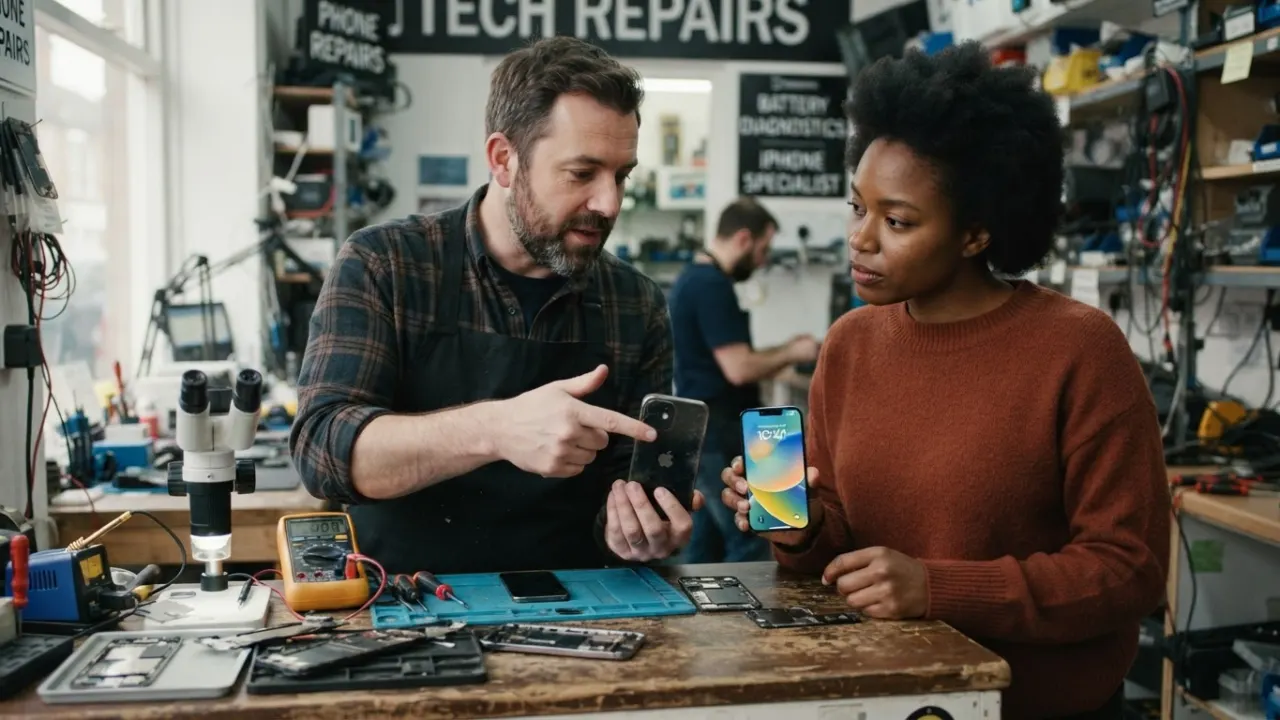
If you have tried every step to improve mobile performance and the phone is still slow, hardware may be the issue. If your phone is more than five years old and still runs slowly after applying every tip in this guide, the hardware may genuinely be at its limit. Signs that indicate a hardware problem: apps crash consistently even after reinstalling, the phone gets hot during simple tasks like reading emails, battery life falls below three hours on a full charge.
A mid-range phone today has more processing power than the best flagship from five years ago. You do not need to spend a lot to get a real improvement. Check our guide to the best smartphones for your budget for honest picks at every budget. If you want better monthly contract terms, the best phones under £300 in the UK can help you qualify for better phone deals from carriers. Our guide on the phone technology trends that matter can help with the extra budget if you do decide to upgrade.
Pro Tips to Improve Mobile Performance Even Further
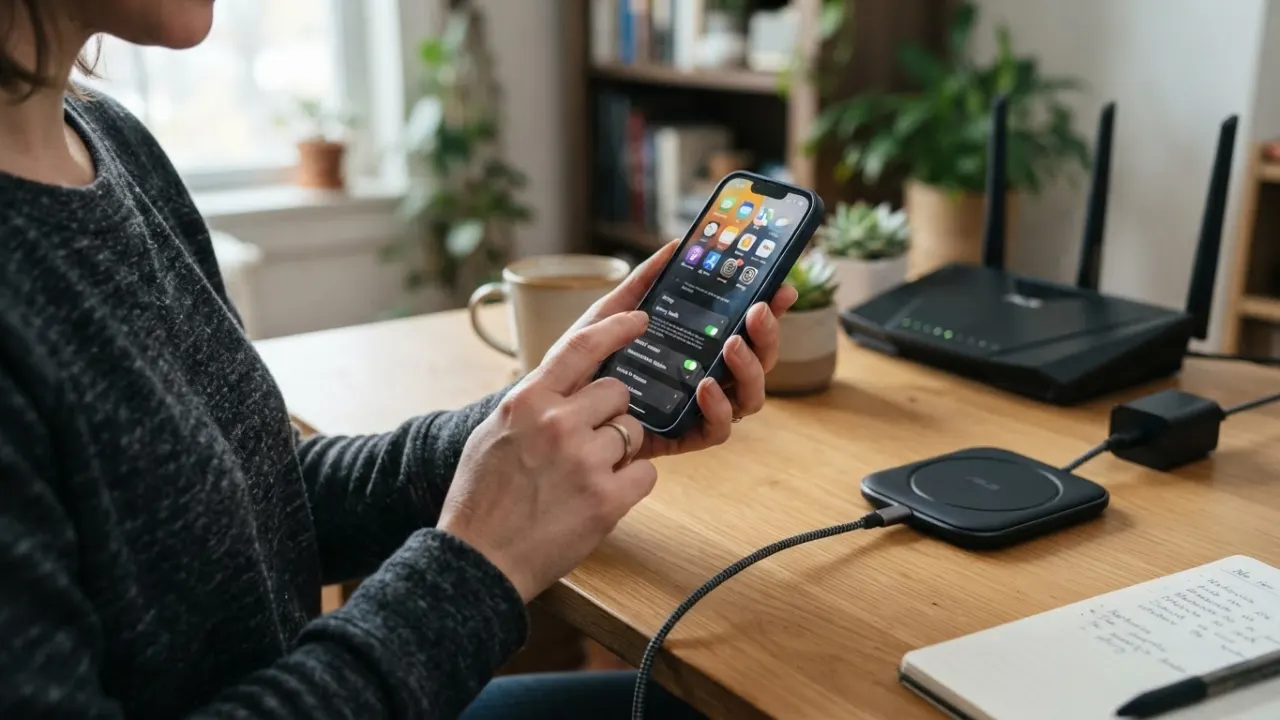
Once you have applied the 8 core tips above, these additional steps can squeeze even more speed out of your device. They take a bit more time to set up, but many users report them making a noticeable difference on older phones.
Limit Background Location Access
Limiting background location access is a quick way to improve mobile performance without deleting anything. Many apps request location access and then check your position in the background every few minutes. This is a constant drain on both battery and processing power. Go to Settings, Privacy or Location, and review which apps have location access. Change most apps from Always to While Using the App. Only navigation apps and emergency services genuinely need always-on location. Turning this off for 10 or 15 apps adds up to a real performance gain over the course of a day.
Switch to Lite Versions of Heavy Apps
Facebook Lite, Messenger Lite, and YouTube Go are all available in the Play Store. These apps use a fraction of the storage, RAM, and battery of the standard versions. They load faster and work just as well for reading posts, sending messages, and watching videos. If you use social media daily, switching to Lite apps is one of the most effective things you can do to improve mobile performance on a budget Android phone. Standard Facebook alone can use over 500MB of RAM when running normally.
Update Your Apps Regularly
While app updates add features, they also fix bugs, memory leaks, and performance issues from earlier versions. An outdated version of a banking app, for example, might have a known memory leak that causes it to consume twice as much RAM as the latest version. Set your apps to update automatically on WiFi only to avoid data charges. Check your app store once a week for any pending updates. Keeping apps current is one of the simplest background habits that consistently helps improve mobile performance without any visible effort.
Check Battery Health
Checking battery health is often the missing step when owners try to improve mobile performance on an older device. On iPhone, go to Settings, Battery, Battery Health and Charging. If your battery capacity is below 80 percent, iOS may be throttling your phone’s processor to prevent unexpected shutdowns. This directly affects performance across everything you do. On Android, battery health is harder to check without a third-party app, but symptoms like rapid battery drain and unexpected shutdowns on a charge above 20 percent suggest battery wear. A battery replacement often costs far less than a new phone and can bring performance back to near-original levels.
Frequently Asked Questions

Does clearing RAM speed up my phone?
Usually not. Android and iOS manage memory on their own. Repeatedly closing every app can make apps slower to reopen. To improve mobile performance, deal with full storage, heavy apps and battery problems first.
Does a VPN slow down my phone?
A VPN can make internet tasks slower because traffic travels through another server. Test the same page with the VPN on and off. Keep the VPN when you need its privacy features, but pick a nearby, reliable server.
Should I factory reset my phone to speed it up?
Use a factory reset only after safer fixes fail. Back up photos, messages and account details first. A reset can remove bad settings and clutter, but it cannot repair an old battery or damaged storage.
Can I improve mobile performance without deleting files?
Yes. You can reduce animations, stop needless background refresh, update apps and restart the phone. If storage is nearly full, though, moving or deleting files will usually give a bigger result.
How often should I clear my phone cache?
Clear the cache of a slow or oversized app when there is a clear problem. There is no need to clear every app each day. Check storage once a month and remove cache only where it has grown too large.
Build a Monthly Routine to Improve Mobile Performance

Every smartphone owner should have a monthly plan to improve mobile performance through simple maintenance. Apps grow heavier every year. Social media platforms, streaming services, and browsers add features regularly, and each one costs more processing power than before. A phone that ran well when you bought it needs active maintenance to keep running well. This is true for every smartphone from budget Android to the latest iPhone.
The best way to consistently improve mobile performance is to build a short monthly routine. Set a monthly reminder to do three things: clear app caches for your most-used apps, check how full your storage is, and uninstall any app you have not opened in 30 days. This takes about ten minutes total. People who follow this routine consistently report that they rarely feel the need to upgrade their phone early, because they never let the slowdown creep in. You can improve mobile performance on any device with this approach.
Every tip in this guide helps you improve mobile performance without spending money. Apply them all today, then keep up with the monthly routine. Your phone will serve you well far longer than one that is left to slow down on its own.
Start by recording the phone’s free storage, battery health and the apps that feel slow. Check the same details after maintenance. This gives you a simple record instead of relying on memory. Change one setting at a time, then test the phone for a day. If a change causes missed alerts or delayed messages, switch that setting back on.
Back up photos and messages before deleting large files or resetting an app. Keep automatic security updates enabled, since updates often fix faults as well as security risks. Do not install cleaner or booster apps that promise instant speed. Many run in the background and add more work. The built-in storage, battery and app controls are enough for normal monthly care to improve mobile performance.
Which of these tips made the biggest difference on your phone? Have you tried changing your DNS settings or reducing motion? Drop a comment below and let us know what worked best for you.
Which step will you try first?