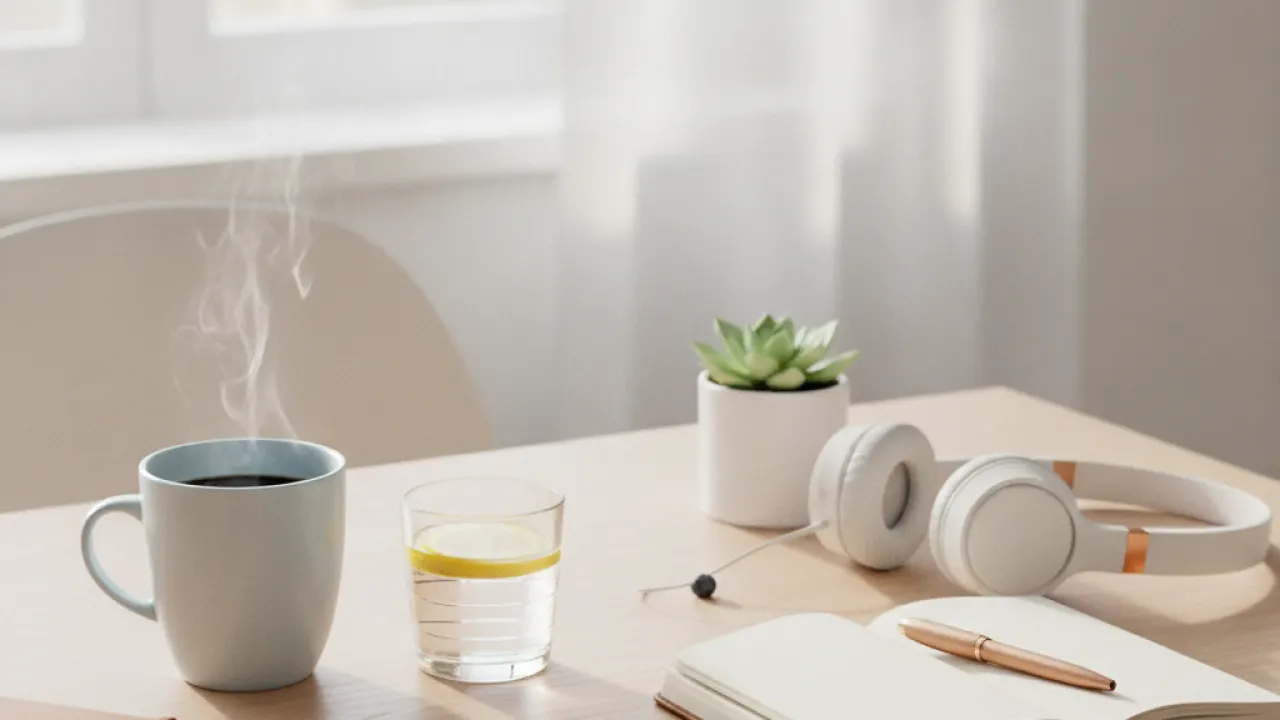



Working from home sounds great until you realize your kitchen table and a folding chair are not cutting it. Your setup matters more than most people think. The right home office can help you get more done, feel better at the end of the day, and actually enjoy your work.
According to GOV.UK guidance on working from home, UK employees who work from home may be able to claim tax relief on certain home office expenses
These home office productivity tips are based on real ergonomics research, popular tools people use in 2026, and simple habits that make a big difference. Whether you are starting from scratch or improving what you have, there is something here for you.
Start With Your Desk and Chair – Home Office Setup Tips

Your desk and chair are the foundation of everything. Getting these right will improve your posture, reduce back pain, and help you focus longer. See also our guide on productivity tips for home workers.
Pick the Right Desk Height

Most desks sit at around 29 to 30 inches. That works for people who are roughly 5 feet 8 inches to 6 feet tall. If you are shorter or taller, you may need to adjust. Your elbows should be at about a 90-degree angle when you type. Your wrists should be flat, not bent up or down.
IKEA also offers affordable desk options that work well for small spaces. Their BEKANT and UPPSPEL lines are solid starting points if you want something functional without spending a lot. See also our guide on best phones for working from home.
Choose an Ergonomic Chair

A good chair supports your lower back, lets your feet rest flat on the floor, and keeps your hips at or slightly above knee height. Lumbar support is not a luxury. It is a real need if you sit for hours each day. See a
You do not need to spend a thousand dollars to get a decent chair. Amazon Basics makes a well-reviewed ergonomic chair that covers the basics. If you can spend more, chairs from Herman Miller or Secretlab offer more adjustment options and better long-term support. See also our guide on Improve Mobile Performance.
cs. If you can spend more, chairs from Herman Miller or Secretlab offer more adjustment options and better long-term support.The key features to look for in a chair include:
- Adjustable seat height
- Lumbar support that fits your lower back
- Armrests that can be raised or lowered
- A seat that tilts slightly forward
- Breathable mesh or cushioned fabric
- A five-point base for stability
Monitor Height and Eye Health
Where your monitor sits affects your neck, your eyes, and how long you can work without strain. Most people set their monitor too low. That pulls your head forward and strains your neck over time. See also our guide on Driving Test UK Tips 2026.
Monitor Height and Eye HealthWhere your monitor sits affects your neck, your eyes, and how long you can work without strain. Most people set their monitor too low. That pulls your head forward and strains your neck over time.
Get Your Monitor at Eye Level

The top of your screen should be roughly at eye level or just slightly below. Your eyes naturally look down a little, so a slight downward angle is fine. The screen should be about an arm’s length away, which is usually between 20 and 28 inches from your face.
If your monitor sits on a flat desk, try a monitor arm or a simple stand to raise it. This one change alone can reduce neck tension really. For those who use laptops, an external keyboard and a laptop stand are worth the small cost.
Reduce Blue Light Exposure

Screens emit blue light, which can make it harder to sleep at night. BenQ makes monitors with built-in blue light filters that help reduce eye strain during long work sessions. You can also use software like f.lux or the built-in night mode on most operating systems to warm your screen color in the evening.
The American Academy of Ophthalmology recommends the 20-20-20 rule: every 20 minutes, look at something 20 feet away for 20 seconds. It is simple and it works. Set a reminder if you need to. If you are looking to expand your knowledge, reading our complete guide to the best productivity apps for students and professionals provides useful background context. If you are looking to expand your knowledge, reading our complete guide to the best productivity apps for students and professionals provides valuable background context.
Good monitor habits for your home office include:
- Keep the top of the screen at eye level
- Sit an arm’s length from the screen
- Use a blue light filter or night mode after 6pm
- Apply the 20-20-20 rule throughout the day
- Avoid placing the screen in front of a bright window
- Use a matte screen cover to cut glare if needed
- Adjust brightness to match room lighting
Lighting Your Home Office the Right Way

Bad lighting causes eye strain, headaches, and low energy. Good lighting makes your space feel better and helps your brain stay alert. The home office setup tips works when you follow it consistently.
Natural Light First
If you have a window, use it. Position your desk so the window is to the side, not directly in front of or behind your monitor. Light coming from the side reduces glare on your screen and gives your space a natural feel.
Natural light also helps regulate your circadian rhythm, which controls your sleep and energy levels. A study published in the Journal of Clinical Sleep Medicine found that workers in offices with natural light slept an average of 46 minutes more per night than those without it.
Add Ambient Lighting
Ambient lighting fills the room with soft, even light. It reduces the contrast between your bright screen and a dark room, which reduces eye strain. LED strip lights behind your monitor or a good floor lamp behind your chair both work well.
Avoid overhead lights that shine directly on your screen. They cause glare and reflections. Desk lamps with adjustable arms and color temperature settings are a better choice. Look for ones that let you set a warm tone for the evening and a cool, bright tone for focused daytime work.
Use the Right Color Temperature
Color temperature is measured in Kelvin. For focused work during the day, aim for 5000K to 6500K (cool daylight). For winding down in the evening, 2700K to 3000K (warm white) is better. Many smart bulbs let you schedule these changes automatically.
Tools and Tech That Actually Help
 <fig
<figYour gear matters. The right tools reduce friction and let you focus on your actual work instead of fighting with equipment. This guide shows you how the home office setup tips fits real life.
focus on your actual work instead of fighting with equipment.Keyboard and Mouse

Logitech makes some of the most poancellation. Some people work better with white noise or nature sounds. Apps like Noisli or Brain.fm let you try different audio environments to see what works for you.
Cable Management
- Use adhesive cable clips to route cables along desk edges
- Bundle cables together with velcro ties
- Use a cable management box to hide power strips
- Switch to wireless accessories where possible
- Use a cable tray mounted under the desk
- Label your cables so you know what is what
- Keep only the cables you use daily on your desk
- Run cables through cable sleeves for a clean look
Amazon Basics sells cable manag
Your physical environment sends signals to your brain. A messy, uncomfortable space signals that it is not time to focus. A clean, well-arranged space signals the opposite. The home office setup tips removes common barriers that stop people from starting.
w It Affects Your MindYour physical environment sends signals to your brain. A messy, uncomfortable space signals that it is not time to focus. A clean, well-arranged space signals the opposite.
Keep Distractions Out of Sight
You do not need to clear everything out of your office. But try to keep things that are not work-related out of your direct line of sight. If your phone is sitting on your desk face-up, you will look at it. Put it face-down or in a drawer during focused work blocks.
The same goes for visual clutter. Books, papers, and random objects pull your attention without you even realizing it. A minimal desk surface helps your brain stay on task. This connects to what researchers call attention residue. When you see unfinished things, part of your brain keeps thinking about them.
Add a Plant or Two
Low-maintenance options like pothos, snake plants, or ZZ plants are good choices. They do not need much light or water, and they are hard to kill. Follow the home office setup tips for the full period to see real results.
ing plants to an office increased productivity by 15 percent. They also improve air quality slightly and make the space feel calmer. Similar principles apply when reviewing practical advice on how to plan your, where preparation and research make a noticeable difference. Similar principles apply when reviewing practical advice on how to plan your, where preparation and research make a noticeable difference.Low-maintenance options like pothos, snake plants, or ZZ plants are good choices. They do not need much light or water, and they are hard to kill.
Set a Dedicated Work Zone
If you can, keep your work area separate from where you relax. This does not mean you need a whole room. Even a corner of a room with a defined desk and chair can work. The physical separation helps your brain switch between work mode and rest mode more easily.
Many people find it helpful to also have a start and stop ritual. Making a cup of coffee, reviewing your task list, and sitting down at your desk signals the start of work. Shutting down your computer and tidying your desk signals the end. These simple habits train your brain to focus when it needs to and rest when it should.
Work in Focused Blocks
These are easy traps to fall into, especially when you first start working from home. The good news is that each one has a simple fix. Use the home office setup tips as your base and adjust it to your level.
e clothes you sleep in (it signals rest, not work, to your brain)Not everyone has a spare room to turn into a home office. That i>Making the Most of a Small Space Color also matters in small spaces. Light colors make a room feel bigger and brighter. If you can paint or add a light-colored backdrop behind your desk, it helps. Results from the home office setup tips come fro Setting up a good home office is not a one-time thing. Your needs change. Your work changes. Check in every few months and ask yourself what is working and what is not. Keep the home office setup tips simple and focus on showing up consistently.
Vertical storage is your friend in a small space. Think up, not out. A tall bookshelf takes up less floor space than a wide one. Drawer units that fit under your desk add storage without adding footprint.
Color also matters in small spaces. Light colors make a room feel bigger and brighter. If you can paint or add a light-colored backdrop behind your desk, it helps.
How to Stay Productive Long Term
Setting up a good home office is not a one-time thing. Your needs change. Your work changes. Check in every few months and ask yourself what is working and what is not.
Maybe your chair is starting to hurt your back. Maybe your desk is always cluttered even though you tidy it daily. Maybe you are not getting enough natural light in winter. These are signals that something needs to change.
Building good work habits takes time. If you want a deeper look at how to structure your day and stop wasting time, these tips on how to be productive at work cover the mindset and systems behind long-term output.
And if you find yourself putting off important tasks, that is worth addressing directly. Procrastination is not a character flaw. It is a habit, and habits can change. This guide on how to stop procrastinating gives you concrete steps to get unstuck. Many readers who study this area also benefit from detailed breakdown of goal setting methods that actually work to ensure all key factors are covered. Many readers who study this area also benefit from detailed breakdown of goal setting methods that actually work to ensure all key factors are covered.
Frequently Asked Questions
What is the
The home office setup tips is a structured approach designed to give clear, actionable steps that produce reliable results over time.
How do I start with the
Begin with the foundation steps, focus on consistency, and build intensity gradually as the plan progresses.
How long does the home office setup tips take to work?
Most people notice initial improvements within a few weeks, with more meaningful results appearing after 8 to 12 weeks of consistent effort.
Is the home office setup tips suitable for beginners?
Yes. The home office setup tips is designed to be accessible, with progressions and modifications that let anyone start at their current level.
What are the main mistakes to avoid with the
Common mistakes include skipping the foundation phase, expecting overnight results, and not tracking progress consistently.
What are your thoughts on home office setup tips for better focus and daily output? Have you tried any of these steps, or do you have tips of your own to share? Leave a comment below and share this guide with friends or colleagues who might find it helpful.